Adobe Illustrator Certification Course in Roorkee
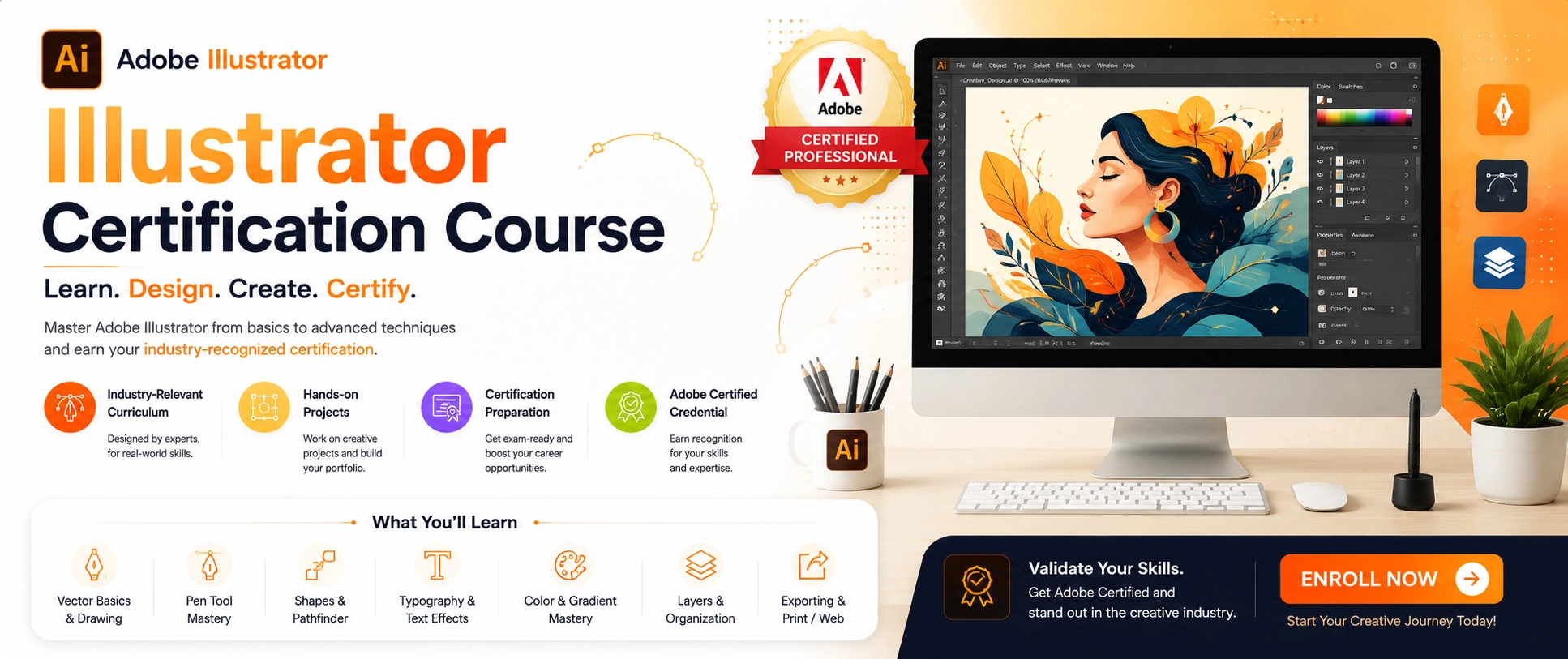
The Adobe Illustrator Certification (Adobe Certified Professional – Illustrator) validates your professional expertise in using Illustrator for vector graphics creation, logo design, branding, and digital illustration. This industry-recognized credential demonstrates mastery of core Illustrator skills, including vector drawing tools, shape creation and manipulation, Pen tool proficiency, path editing, color management, gradient and swatch usage, typography and text formatting, layer organization, masking techniques, transformations, effects, and export workflows for both print and digital media.
To earn the certification, you must pass Adobe's official exam, which tests practical abilities such as creating vector artwork, working with character and paragraph settings, applying layer styles and graphic styles, using clipping and opacity masks, creating custom brushes and patterns, utilizing Adobe's AI-powered features, and optimizing files for various output formats including AI, EPS, SVG, PDF, PNG, and WebP. Holding this certification enhances your career credibility and competitiveness for roles in graphic design, branding, illustration, UI/UX design, and multimedia production while confirming you meet Adobe's professional standards for vector graphics expertise.
Adobe Illustrator Course Synopsis
Master Adobe Illustrator, the industry-standard vector graphics software, and learn to create scalable, professional-quality artwork for print, web, and multimedia. This comprehensive, hands-on course teaches you to design logos, icons, illustrations, typography, UI elements, and branding materials using vector-based tools and techniques that remain crisp at any size.
What You’ll Learn
Outcomes
By completion, you'll confidently create scalable vector artwork, build a professional portfolio of logos and illustrations, and possess job-ready Illustrator skills aligned with industry standards.
Adobe Illustrator Graphics Designing Course – Topic Points
Vector Graphics Fundamentals & Illustrator Basics
- Vector vs. raster: understanding scalability and when to use Illustrator
- Illustrator interface: workspace, panels, toolbars, artboards, document setup
- Units and preferences: pixels, inches, mm; customizing the workspace
- File formats: AI, EPS, SVG, PDF, PNG, JPEG, TIFF (when to use each)
- Drawing tools mastery: Rectangle, Ellipse, Polygon, Star, Line tools
- Pen tool: creating paths, anchor points, direction lines, curve editing
- Pencil tool and smooth path editing for freehand drawing
- Shape Builder tool for combining and subtracting shapes
- Pathfinder operations: unite, subtract, intersect, exclude, divide
- Fill and stroke: applying colors, gradients, patterns
- Swatches panel: creating, saving, and managing custom swatches
- Color Picker, Color Guide, and global colors
- Gradients: linear, radial, freeform gradient editing
- Stroke panel: weight, dashes, endpoints, corner styles
- Appearance panel for stacking multiple fills and strokes
- Layers panel: creating, naming, grouping, ordering layers
- Sublayers for managing complex artwork
- Locking, hiding, selecting, and organizing objects
- Guides, grids, rulers, and smart guides setup
- Selection tools: Selection, Direct Selection, Group Selection
- Transform tools: Move, Scale, Rotate, Reflect basics
Typography, Advanced Illustration & Design Projects
- Point text vs. paragraph text: creating and editing text boxes
- Character panel: font selection, size, kerning, tracking, leading
- Paragraph panel: alignment, indents, spacing, drop caps
- Creating text outlines and custom lettering for logos
- Typography in logo design and poster creation
- Text effects: warp, envelope distortions, 3D extrusion
- Clipping masks: hiding parts of artwork using shapes
- Opacity masks: transparency-based masking techniques
- Gradient meshes: detailed shading and realistic rendering
- Custom brushes: art brushes, pattern brushes, scatter brushes
- Symbol tool: creating and using symbol libraries
- Pattern creation: designing seamless backgrounds and textures
- Image Trace: converting raster images to vector artwork
- Transform panel: precise positioning, scaling, rotating
- Free Transform tool: perspective distortion and warp
- Envelope distortions and warp effects for creative shapes
- 3D effects: Extrude, Revolve, Rotate for dimensional artwork
- Drop shadows, blurs, and artistic effects
- Graphic styles: applying and creating reusable style presets
- Logo design: creating professional logos from concept to final
- Icon design: scalable icons for web, mobile, and UI
- Business card and full stationery design (letterhead, envelope)
- Brand identity kits: logo, color palette, typography system
- Packaging design basics: structure, labels, and visuals
- Poster and flyer creation for events and marketing
Export, Print Preparation, Portfolio & Career Path
- Print preparation: CMYK color mode, resolution (300dpi), bleed settings
- Exporting for print: PDF (print-ready), AI, EPS, TIFF formats
- Exporting for digital: PNG (transparency), SVG (scalable web), WebP (optimized)
- File optimization: reducing file size while maintaining quality
- Saving master files: AI and EPS for future editing
- Backup versions and version control best practices
- Asset Export panel: exporting multiple resolutions (1x, 2x, 3x)
- Export for Screens: batch exporting for different devices
- Building a professional Illustrator portfolio: selecting and organizing projects
- Portfolio presentation: digital (website) and physical (print) formats
- File organization: folder structure, naming conventions, project management
- Career paths in design: graphic designer, illustrator, UI/UX designer, brand designer, packaging designer
- Industry standards: resolution, color modes, file formats clients expect
- Client expectations: communication, deadlines, revisions, professionalism
- Freelance essentials: writing proposals, contracts, pricing strategies
- Adobe Creative Cloud integration: working with Photoshop and InDesign
- Adobe Generative AI tools: vector illustration assistance and automation
- Staying current: design trends, software updates, community resources
- Professional development: Behance, Pinterest, LinkedIn for showcasing work
- Networking: joining design communities and attending industry events
Ofline
Ofline
Course Details
 Duration
2 Months
Duration
2 Months
 Entry Eligibility Requirement
10 /12 Th
Entry Eligibility Requirement
10 /12 Th
 Mode of study
Online / Ofline
Mode of study
Online / Ofline
 Mode of Type
Regular, Weekends
Mode of Type
Regular, Weekends
Professional Software’s